
Your Whirlpool 6th Sense dryer displays unusual indicators after a power outage, or refuses to start a cycle for no apparent reason. Before contacting a technician, a properly executed reset resolves most of these software blocks. However, you need to know which method to apply, as not all failures respond to the same type of reset.
Long reset after power outage: why unplugging for a few seconds is not enough
Have you tried turning your dryer off and on again with no results? The problem often lies with the 6th Sense electronic board, which remains partially powered even when the device is off.
Feedback from repair technicians on specialized forums confirms a point often overlooked: micro-cuts in the power supply or surges place the 6th Sense board in electronic protection mode. A simple on/off for a few seconds does not discharge the capacitors on the power board. The software block persists.
The method that works in these situations relies on a prolonged disconnection of at least thirty minutes. This time allows the capacitors to fully discharge and lifts the internal software locks. This is the difference between a symbolic gesture and a true electrical reset. When you need to reset a Whirlpool 6th Sense dryer, this long reset remains the first action to attempt, especially if the failure appeared just after a storm or instability in the power supply.
After reconnecting, select a short program and start it. If the indicators return to normal behavior, the block was purely software-related.

Reset procedure using button combination on a Whirlpool 6th Sense dryer
The prolonged disconnection does not cover all cases. Some 6th Sense models store error codes that survive a power cut. A specific button sequence allows you to force a reset of the module.
The manual reset sequence
This procedure, documented by technicians on forums like Tout-Électroménager, proceeds as follows:
- With the device plugged in and powered on, turn the program selector to the unidentified position (at the bottom of the dial)
- Press the Start button three times in a row
- Shift the selector one notch to the left (the “Freshness” position on most models)
- Press Start again three times, then wait a few seconds
The order of the steps is as important as the steps themselves. Reversing the direction of the selector or pressing a different number of times cancels the sequence. Start over from the beginning if nothing happens.
What this reset clears and what it does not affect
This manipulation clears false error codes stored by the board after a one-time anomaly. A clean condenser appearing as clogged, an empty tank reported as full: this type of inconsistency disappears after the sequence.
On the other hand, Whirlpool intentionally designs its 6th Sense boards so that fault codes related to safety cannot be cleared by the user. A thermal probe fault or an overheating alert will reappear as long as the physical cause is not addressed. This limitation protects against dangerous use of the device.
Persistent error codes: when the reset cannot resolve the issue
You have tried the prolonged disconnection and the button combination, but the same code returns every time you start it? The problem is hardware-related.
The critical codes generally concern three components:
- The thermal probe, which monitors the drum temperature and cuts off heating in case of drift
- The heating element, whose failure prevents any drying cycle
- The electronic board itself, damaged by a severe surge
In these cases, part replacement is necessary before any reset. European regulations on reparability require manufacturers to make spare parts available for several years after a model is discontinued. Whirlpool also provides authorized repairers with reset procedures after intervention (changing the board, humidity sensor, heating element) with specific button sequences, which are absent from consumer guides.
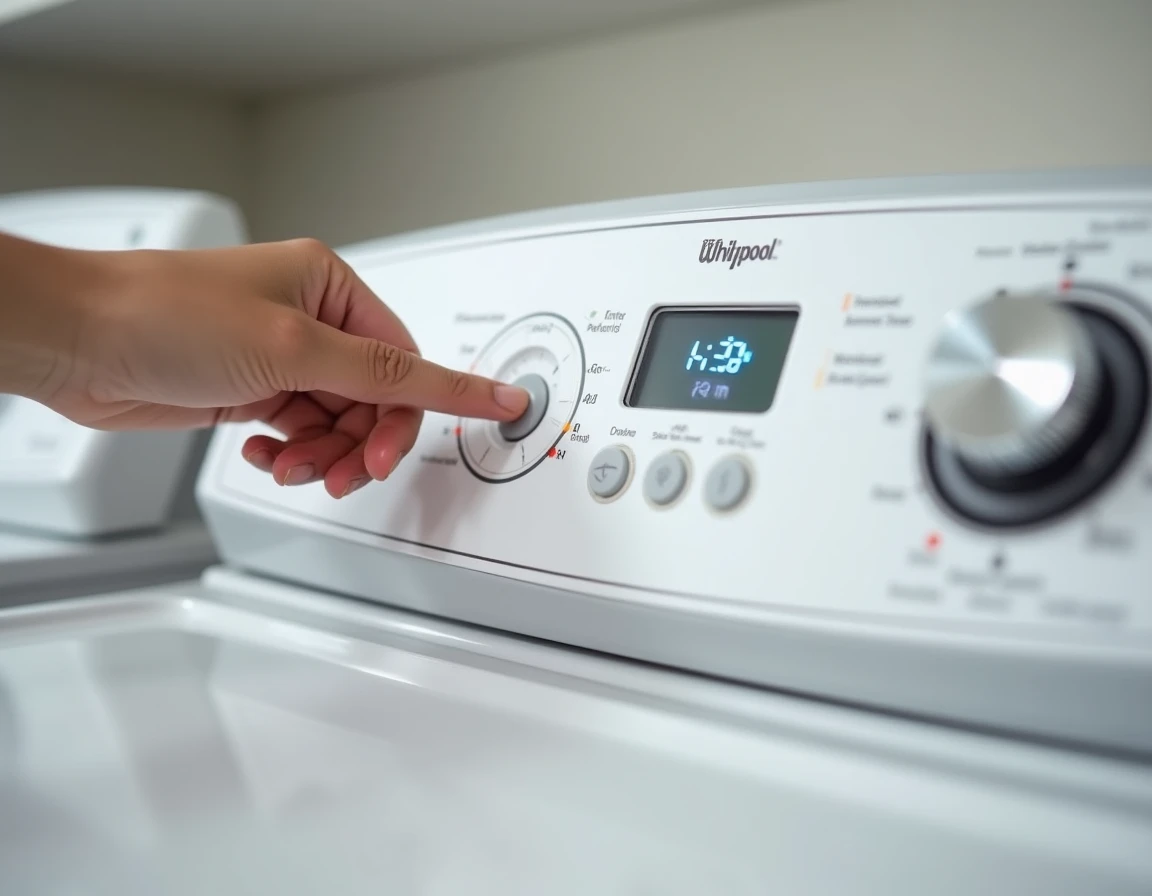
Note the exact code displayed on the panel. Each letter and number identifies a specific component. Communicating this information to a technician allows them to come with the right part on the first visit.
Whirlpool 6th Sense heat pump dryer: a different reset
Heat pump models add a layer of complexity. Their system of humidity and temperature sensors is more elaborate than that of traditional condensation models, and the heat pump compressor has its own protection cycle.
After a reset, the compressor may refuse to restart immediately. This safety delay, which can last several minutes, protects the refrigeration circuit. Restarting a cycle too quickly after reconnection sometimes causes a new block that can be mistaken for a persistent failure.
The best practice is to reconnect the device, wait about ten minutes without touching the controls, then select a standard program. This patience prevents overloading the compressor and gives the sensors time to recalibrate their reference values.
For these models, regular cleaning of the condenser and lint filter significantly reduces the frequency of false errors. A partially obstructed condenser causes a temperature rise that the board interprets as an anomaly, triggering a safety shutdown that resembles an electronic failure.
The most useful reflex when facing a blocked Whirlpool 6th Sense dryer is to distinguish between a software block and a hardware fault. The long reset and the button sequence address the former. The latter requires diagnosis and a new part. Confusing the two means wasting time on a manipulation that cannot resolve anything.