
The term Wi-Fi Legacy refers to the older wireless standards (802.11a, 802.11b, 802.11g) still present in the settings of our routers and network cards. While recent boxes come equipped with Wi-Fi 6 or Wi-Fi 7, these legacy protocols remain activated in the background on most consumer devices. Their actual role in connection quality deserves to be measured rather than assumed.
Wi-Fi Legacy Standards and Current Standards: Comparison of Speeds and Frequencies
| IEEE Standard | Commercial Name | Frequency Band | Max Theoretical Speed | Current Status |
|---|---|---|---|---|
| 802.11b | Wi-Fi 1 | 2.4 GHz | 11 Mbit/s | Legacy |
| 802.11a | Wi-Fi 2 | 5 GHz | 54 Mbit/s | Legacy |
| 802.11g | Wi-Fi 3 | 2.4 GHz | 54 Mbit/s | Legacy |
| 802.11n | Wi-Fi 4 | 2.4 / 5 GHz | 600 Mbit/s | Transition |
| 802.11ac | Wi-Fi 5 | 5 GHz | 6.9 Gbit/s | Current |
| 802.11ax | Wi-Fi 6/6E | 2.4 / 5 / 6 GHz | 9.6 Gbit/s | Current |
The speed gap between an 802.11b signal and a Wi-Fi 6 signal is measured in orders of magnitude. On the 2.4 GHz band, a legacy device tops out at 54 Mbit/s at best, while a Wi-Fi 6 device utilizes wider channels and modulation techniques that multiply capacity on the same frequency.
To understand what Wi-Fi legacy is beyond the simple table, one must observe its concrete effect on the operation of home or professional networks.
Wi-Fi Legacy Compatibility Mode: How an Old Device Slows Down the Entire Network
The access point that detects a legacy device on its network switches to compatibility mode. This mechanism, sometimes referred to as “protection mode,” forces the router to use slower frames and older arbitration mechanisms so that the device can communicate.

The problem is not limited to the device in question. All devices connected to the same access point suffer the penalty. The router reserves antenna time for legacy exchanges, which reduces the available bandwidth for newer devices. On a home network with a fiber box, an old sensor connected via 802.11b can degrade the signal quality for a Wi-Fi 6 laptop located in the same room.
Dell recommends identifying the highest standard supported by each device and adjusting the network card accordingly. Too many simultaneous devices of different generations on the same 2.4 GHz channel create collisions and wait times that penalize the entire network.
Disabling Legacy: Gains and Risks
Some routers allow disabling 802.11b/g modes in the advanced settings. The gain is immediate: the access point no longer needs to send compatibility frames, and the average speed on the 2.4 GHz band increases.
However, any device that only supports these older standards will lose its connection. Before changing this setting, an inventory of the connected devices is necessary:
- Network printers older than ten years often only operate in 802.11b/g and do not have a firmware update available
- Some thermostats, smoke detectors, or connected photo frames only support the 2.4 GHz band in legacy mode
- Older gaming consoles and some media players remain limited to Wi-Fi 4 at best
Wi-Fi Legacy and Connected Objects: A Tense Coexistence
The IoT is the area where Wi-Fi legacy maintains a significant presence. Many consumer sensors and actuators connect at 2.4 GHz using older protocols, due to the lack of a more recent chip in their hardware design.
A recent IoT comparison highlights that Wi-Fi consumes more energy than alternatives like Zigbee, Z-Wave, or NB-IoT. These low-power technologies are gradually taking over for battery-powered sensors, simple actuators, and mass networks. Wi-Fi, including its legacy versions, remains relevant for high-throughput use cases (video streaming from an IP camera, large file transfers).
This structural trend redistributes roles. Wi-Fi legacy is losing ground in IoT scenarios where low consumption is a priority, but retains an advantage for any device that needs direct IP access with a speed greater than a few kilobits per second.
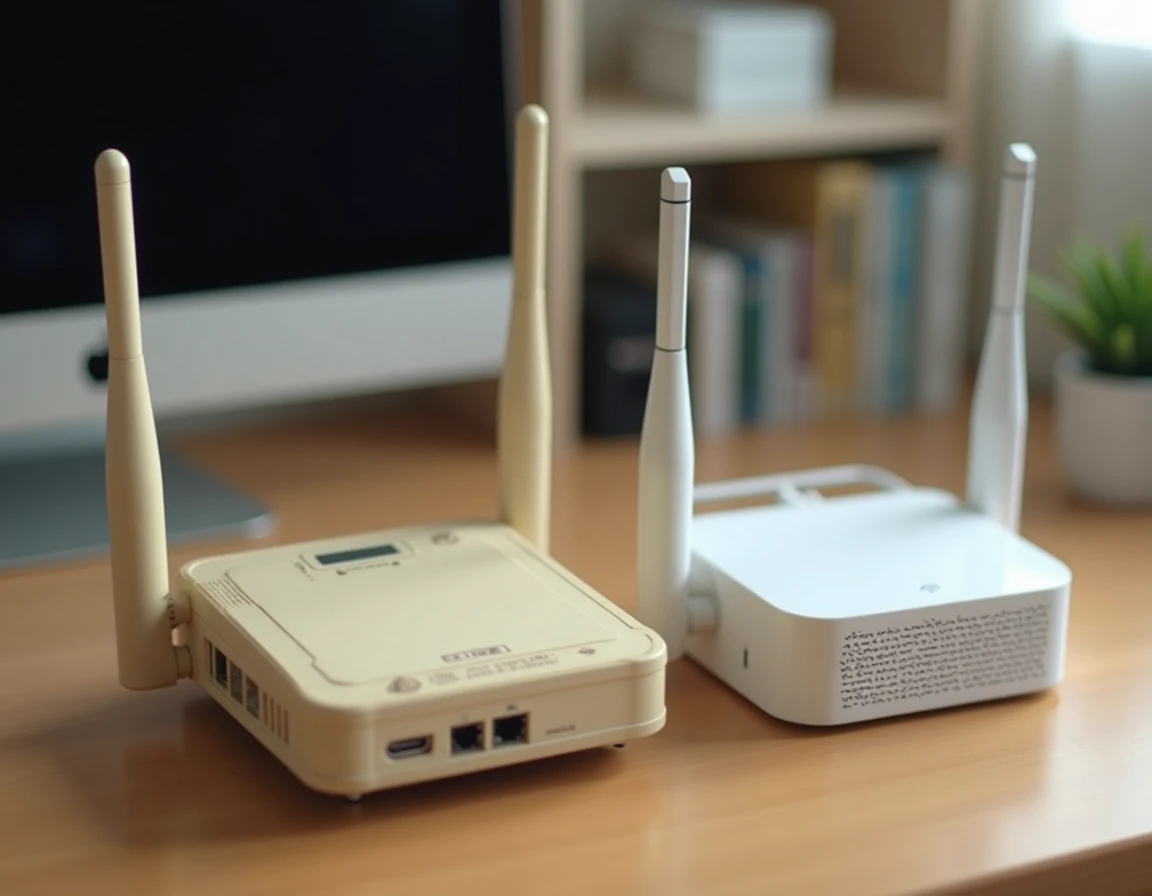
Should Wi-Fi Legacy Still Be Enabled on a Recent Box?
The answer entirely depends on the device inventory. On a network composed exclusively of Wi-Fi 5 or higher compatible terminals, disabling legacy modes improves signal quality and reduces latency on the 2.4 GHz band.
On a heterogeneous network (home with old home automation, a previous generation printer, various sensors), legacy mode acts as a safety net rather than a working basis. New equipment no longer considers these standards as the reference, but as a fallback that can be activated when needed.
The most effective strategy is to segment: create a dedicated network on the 2.4 GHz band for legacy devices, and reserve the 5 GHz band (or 6 GHz on boxes compatible with Wi-Fi 6E) for newer devices. This separation prevents compatibility frames from penalizing fast connections.
Wi-Fi Legacy will not disappear overnight from our router settings. Its presence reflects a global inventory of devices whose renewal spans years. Knowing when to keep it active and when to turn it off remains the most direct lever to improve the quality of a home or professional wireless network.